
Fast Mode Now Live at HiTZ Cricket: Face More Balls in Every Session
13 Apr 2026

Fast Mode Now Live at HiTZ Cricket: Face More Balls in Every Session
We’ve just launched Fast Mode, a new feature in HiTZ Cricket that lets you increase the number of deliveries you face per session. If you haven’t already, check out the explainer video above to see it in action.
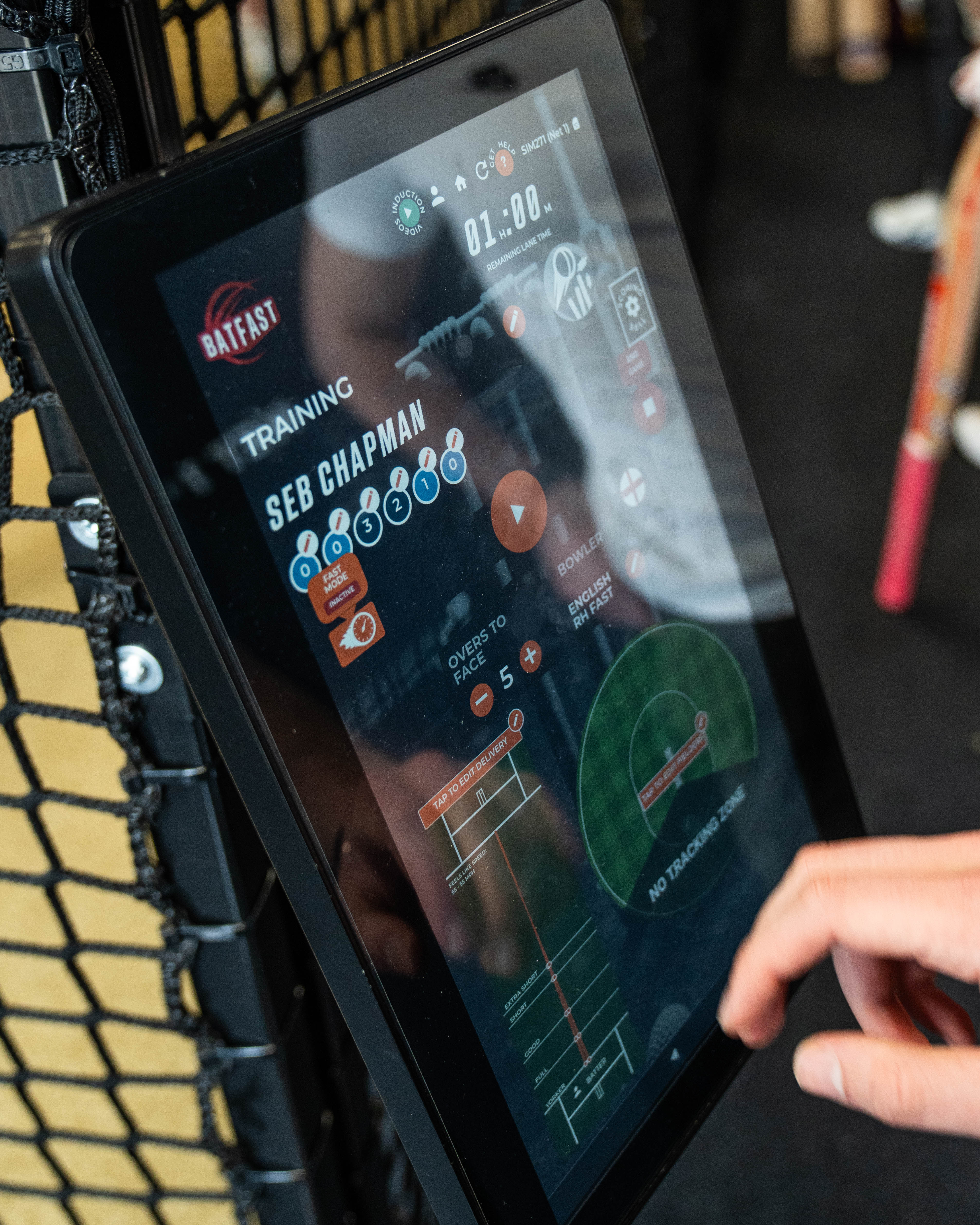
What is Fast Mode? Fast Mode reduces the time between each delivery, allowing you to train at higher intensity and maximise ball exposure. This is ideal for players looking to improve batting through repetition, build consistency under pressure, and increase training volume in less time. Please note live video replays and ball tracking are disabled during Fast Mode, but your session footage will still be available in your HiTZ profile afterwards.
How to Use Fast Mode Getting started is simple. Go to Training Game Mode, toggle Fast Mode on, and start facing more deliveries instantly. You can switch Fast Mode on or off at any point during your session.
Benefits of Fast Mode Training Face more balls per session to accelerate batting development, train at high intensity for better match simulation, improve fitness and endurance, and make the most of every session whether you are a developing cricketer or an established club player.
Things to Know Before You Start Ball tracking and live replays are not available during Fast Mode, full video replays are available post session in your HiTZ profile, and you can toggle Fast Mode on or off at any time during play.
Train Smarter with Fast Mode Whether you are working on batting technique, shot selection, or increasing training volume, Fast Mode gives you the flexibility to push your limits and get more from every session. Give it a go in your next session at HiTZ.